QDROP gen-2
Send files straight to a friend's computer — sealed, free, and with no server in the middle. Now on the X-Protocol.
QDROP gen-2 moves files and messages from your computer directly to your friend's computer. No account, no cloud, no company in between — and no relay of any kind: the public edition doesn't use one, ours or anyone's. You add a friend by swapping a connect code (send it by text, email, anything) — one swap and you're friends both ways. Then your computers find each other on their own and talk, sealed end to end.
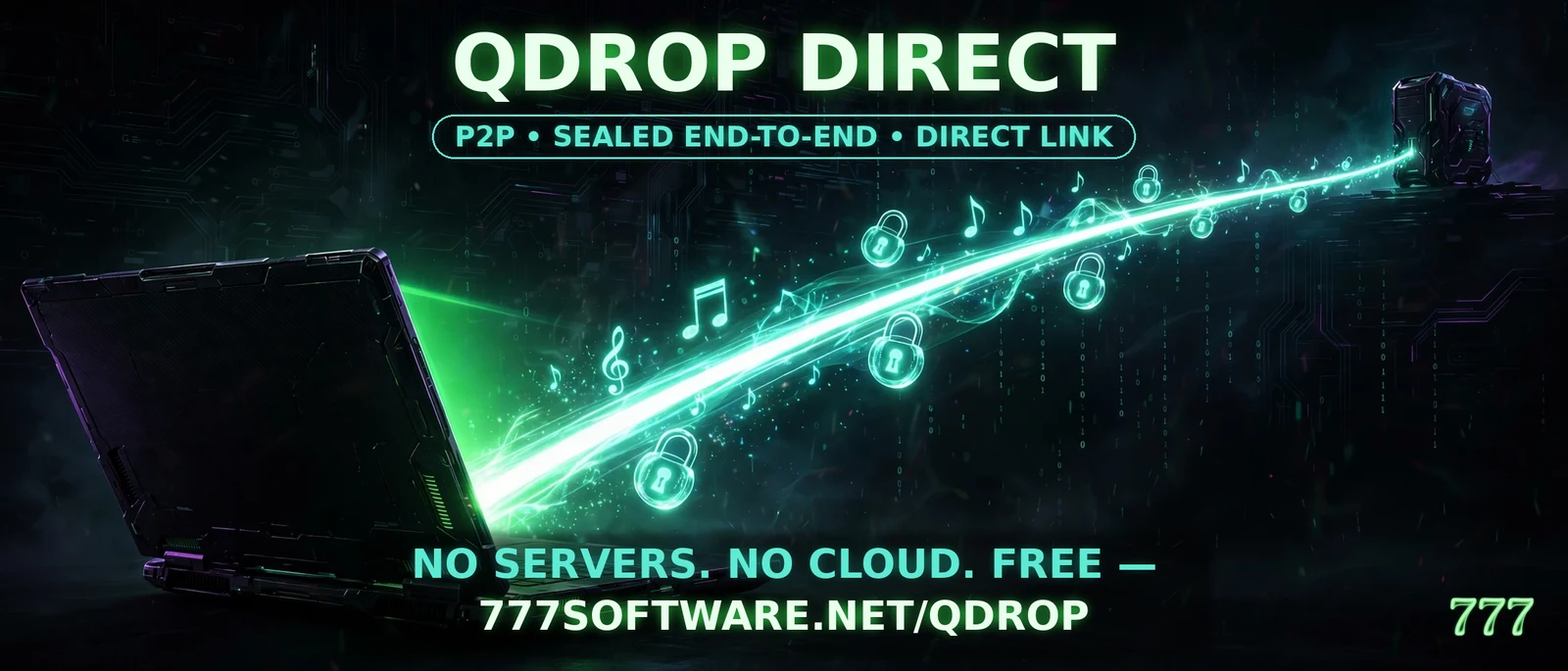
Share your music with each other without the threat of someone watching your every move.
FREE. Not a trial, not a teaser — QDROP gen-2 is free, and it stays free.
Gen-2 downloads are paused while we fix a connection bug. Back soon.
📖 User manuals (PDF) — GEN-2
The full gen-2 manual — what QDROP is, how the X-Protocol works, and how to use it — one edition per system. Free, like the program.
QDROP gen-2 Manual — Windows edition (PDF)
11 pages · SHA-256: 406da170d07a5996863a22272cc18c936b7d6cef066716825e3fb4706657ae4e
QDROP gen-2 Manual — Linux edition (PDF)
10 pages · SHA-256: 30803015163f6d0d497ca45d2d4347e3d4c44adb56e2f75906ea09954e7ddd0c
How to use it — gen-2
- Make your card. Open QDROP gen-2, pick a name — any name you like — and press “Make my card.” Your identity is born on your own computer at that moment; nothing is sent anywhere. The program shows your Q-Number — it's derived from your card itself; nobody issues it.
- Copy your code. Press “Copy my code” and send that text to your friend by text, email, anything. A code works once, for one friend, and stops working after 24 hours — a fresh one is one press.
- Add your friend. Paste their code into “Paste their code here” and press “Add their code.” That's the whole introduction: one swap makes you friends both ways — they don't have to send you a code back.
- Connect. You never connect by hand. QDROP climbs its ladder for you: same network first, then the doors it already knows, both sides knocking at once, the doors written into the code, and your router opening its own door if it can. If everything fails, it says so in plain words — the last resort is one door number you open yourself, explained up front, never sprung on you.
- Drop. Pick your friend, type words and press
“Send words,” or press “Send a file…”
(no 25 MB cap anymore). Files travel in small sealed pieces, and a
send that gets interrupted resumes where it stopped —
even if a program dies mid-file, it picks up from its own disk when
it returns. If your friend is offline, your Outbox
holds the drop on your machine and delivers it when they reappear.
Arriving files are checked against their SHA-256 fingerprint before
they land in your
.qdrop-gen2/downloadsfolder.
The two editions
- Public edition (this page): for everybody. It contains no house service and no relay of any kind — not ours, and not one you bring yourself. If the ladder can't connect you, QDROP tells you plainly; it never falls back to a relay.
- QDROP Gen2: the second generation, for circles who share a Tailscale network — families, small crews, close friends. It rides that private road as a door it already knows: proven live on October 29, 2026, pairing in under a second with words and files both ways. It has its own page and manual: QDROP Gen2. It carries the full direct engine too; the two-household open-internet road is in final field testing.
The editions, side by side: the Public edition is below on this page; QDROP Gen2 has its own page — what it is, its manual, and its downloads as they open.
What it does — and what it doesn't (the honest label)
- Two houses: gen-2 is built to cross between different homes — that's the ladder above. One honest exception: if an internet provider keeps a customer behind a locked gate of the provider's own (carrier-grade NAT), no program can open that gate from inside, and QDROP says so in plain words instead of spinning forever. Home-network drops always work.
- Both computers on: a drop travels while both sides run QDROP. If your friend's computer is off, the drop waits in your Outbox — and mid-file hiccups, dead programs, and dropped connections resume instead of starting over. QDROP is built for bad skies: generous timeouts, calm retries, no chatter.
- Friends only: only people you have swapped codes with can send you anything. A stranger who knows your door gets refused — the introduction is the gate.
- Everything stays home: your identity, friends,
history, and waiting drops live on your own computer
(
.qdrop-gen2in your home folder). Nothing is uploaded anywhere, ever.
How the sealing works — in plain words
- What's agreed: when you and a friend connect, your two computers quietly work out one shared secret between them. Each side uses its own private key — born on your computer, never sent anywhere — together with the friend's public key from their card. Only your two computers can arrive at that secret; it's never spoken on the wire.
- What rides in it: every message and every piece of every file is sealed with that secret before it leaves your machine, and each new message gets a fresh key stepped from a one-way chain — so keys keep moving forward and yesterday's traffic stays sealed even in tomorrow's storm.
- What an attacker would have to break: they'd have to take the private key off your computer itself, or break the mathematics outright. Anyone listening in between sees only sealed noise. And if you ever doubt a connection is really your friend, the program shows your card's fingerprint and both Q-Numbers — read them to each other any way you like; if they match, it's really them.
- Proof of arrival: the receiving side checks the whole file against its fingerprint (a SHA-256 checksum) before it ever lands in the downloads folder. A file that doesn't match doesn't arrive — simple as that.
For the technical reader: X3DH-style key agreement over Curve25519 (X25519 identity/signed-prekey bundles, Ed25519 signatures), ChaCha20-Poly1305 AEAD sealing with an HKDF-SHA-256 hash-chain ratchet, SHA-256 whole-file verification. The plain words above are the same story, told straight.
Coming later
Relay, the house way: a relay server program is a separate 777 Software product in the works — when it ships, the apps gain the ability to ride a relay you run, never one of ours in the public edition. And after that, QMESH.
QDROP Direct — first generation
The original QDROP, still free and still working exactly as it always has. It pairs by contact card on the same network and does not pair with gen-2.
✨ NEW — QDROP Direct, the Multi Lang Update (2026-10-29)
Same QDROP Direct, made clear — the confusion-fix edition. It sits beside the October 2026 build below; both stay available. What changed, in plain words:
- Honest delivery, at last: a message that does not arrive is marked NOT DELIVERED right in the conversation, with the reason and what to do — never shown as if it had been sent. (Before, a failed message looked exactly like a sent one.)
- The same-network rule, said out loud: Direct works on the same home network, or when both computers join the same private network program — it cannot reach across the open internet between two houses. The app now says this on the first screen, in the Connect panel, and at the moment a connect or send fails, with the way forward.
- Fits small screens: the window fits 1024×600 and 800×600 — Connect and Send are on screen without scrolling.
- Help everywhere: a Help menu with 13 plain-words topics, a tooltip on every control that needs one, numbered steps with your place marked, and a “Sending to:” line that never scrolls away.
- Nothing deleted behind your back: removing a friend and throwing away kept file pieces now ask first, in plain words; a received file never overwrites an older one.
- The protocol did not change at all — this build talks to the current QDROP Direct exactly as before.
- Translations: none ship in this build. “Multi Lang Update” is the name of this update wave.
🐧 Linux — Multi Lang Update
Download QDROP Direct — Multi Lang Update for Linux — FREEInside the tarball: the QDROP-Direct program.
Unpack it, make it runnable (chmod +x QDROP-Direct), open it,
pick a name, and press Start.
SHA-256: 401c4ce587d43e4a3b5c1409eb54e06037d2e6c2ec1fa8e1b2a04ec87c74d5e7 (tarball, 17 MB)
Program itself: 5ba8bde6edef2f5c42ca365463c53a5408c3207c023f34fd0f833ed6d6266c4f
Windows: the update kit is ready — Steven compiles it in the house Windows guest from this same fixed source, and the Windows Multi Lang Update lands here the moment it is verified. The October 2026 Windows downloads below stay available meanwhile.
🪟 Windows — Direct (October 2026 build)
One installer. Nothing else to install.
Download QDROP Direct for Windows — FREERun QDROP-Direct-Setup.exe, install, open
QDROP, pick a name, and press Start. There are no server
settings — this edition has none, on purpose.
SHA-256: 7923155604e3ceac17e5b8cb0787cbd0a8df96bf8a2912b1a55c11b957bc6199 (installer, 16.5 MB)
Prefer no installer? The standalone program:
QDROP-Direct-Windows.exe
SHA-256: b86b573284887d23a276317eb1276340d473b279be43189af292b8227c6ece55 (standalone, 15.2 MB)
🐧 Linux — Direct (October 2026 build)
One single program file. No installer, nothing else to install.
Download QDROP Direct for Linux — FREEInside the tarball: the QDROP-Direct program.
Unpack it, make it runnable (chmod +x QDROP-Direct), open it,
pick a name, and press Start. There are no server settings
— this edition has none, on purpose.
SHA-256: 707947a929d9ccdf27ac434386cffff8bee4e3782e2d876510ab5d983aa4daae (tarball, 17.7 MB)
Program itself: a199a67bfa0d387e08127e0a88f2ef77eb77e6e50ff76303fa85a10439eba5be
📖 User manuals (PDF) — Direct
The first-generation manual, kept with its edition.
QDROP Manual — Windows edition (PDF)
7 pages · SHA-256: ff8620052657fc1c7c84d70a039471d1cc4318b038a37e63796a1a1ab1558627
QDROP Manual — Linux edition (PDF)
7 pages · SHA-256: f8ec03ee311bfa42ce81cc044b4521fd6282d48420c791b88497b2c28c9d30e2
💛 Fuel the next build
QDROP is free, and it stays free. If it earns its keep on your machine and you'd like to help fund what 777 Software builds next — games, apps, screen savers, tools — you can chip in any amount, a dollar and up. No pressure, ever: the program is exactly the same either way.
QDROP is a 777 Software program, offered free. It makes no accounts, phones home nowhere, and the public edition contacts no server of any kind and uses no relay — that's not a promise in a policy document; the program is built so it can't.
© 2026 777 Software · Terms · Gallery · The Protocols · Donate